A little while ago, when Android 16 was announced with a proper, native desktop mode, I was genuinely excited. Then I looked it up and discovered it requires hardware that my Pixel 7 Pro simply didn't have. DisplayPort Alternate Mode over USB-C - not something the 7 series supports for video output. So that was a... disappointment.
The Pixel 10 Pro XL, on the other hand, does support it. And when I was looking at reasons to upgrade, this was sitting quietly near the top of the list.
The appeal is straightforward: one less device. I already carry a phone everywhere. If I could dock it at a desk, plug in a keyboard and mouse, and have something resembling a usable desktop - that would be genuinely interesting. Ability to carry your entire environment in your pocket, dock it wherever you end up, and just... work? Is this the future?
I mean, sure, laptops are a thing - and they come with the keyboard and a monitor already there. This solution specifically requires you to have the keyboard, mouse and a monitor at the location.
But it also fits in your pocket.
So anyway, now that I had the phone for a bit, here's what I found.
Getting it Running
The first thing worth noting: no Developer Options required. Previous Android desktop implementations needed you to dig around in there, which felt appropriately experimental. Now you just plug in, and if your hub supports DisplayPort Alt Mode, you get a popup asking whether you want Desktop or Mirror mode. Click Desktop. Done.
The "if your hub supports it" part is doing a lot of work in that sentence, because my first hub didn't. I got the popup alright, in fact it was enabling it, disabling it, re-enabling it until it gave up and rebooted the entire phone. Second hub worked without any drama. It's the kind of hardware lottery that's probably going to catch people out, and there's no particularly helpful error message when it fails.
Once it's running: keyboard and mouse paired via Bluetooth, worked flawlessly through the USB ports at the hub too, and, pleasantly, the phone charges while connected. That last part matters more than it sounds. If a desktop-mode workflow chews through the battery, not having to worry about it is a small but real quality of life win.
The Desktop as a Desktop
This is where things get interesting, in the way that "interesting" sometimes means "I have opinions".
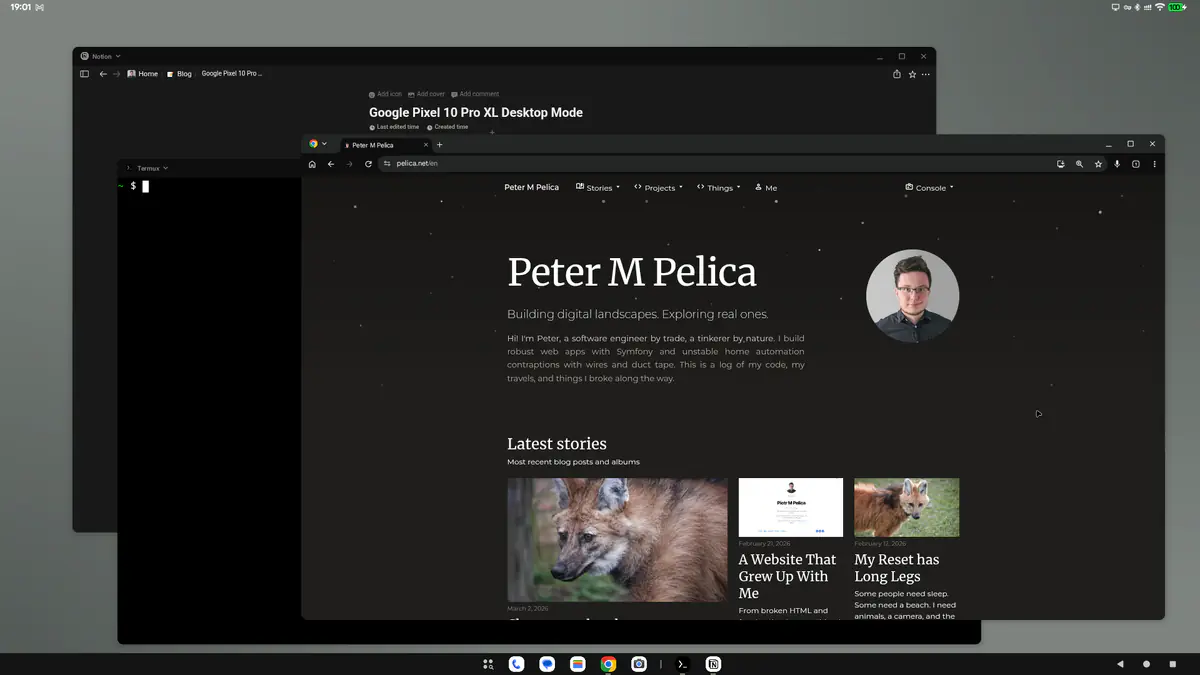
The good: Alt+Tab works, and works well. Window management is functional. Bitwarden, which I was half-expecting to behave strangely, works surprisingly well, which matters because password management on a desktop you're using properly is non-negotiable. Notion also behaves wonderfully, with the caveat that selecting text while scrolling simultaneously is a bit of a gamble.
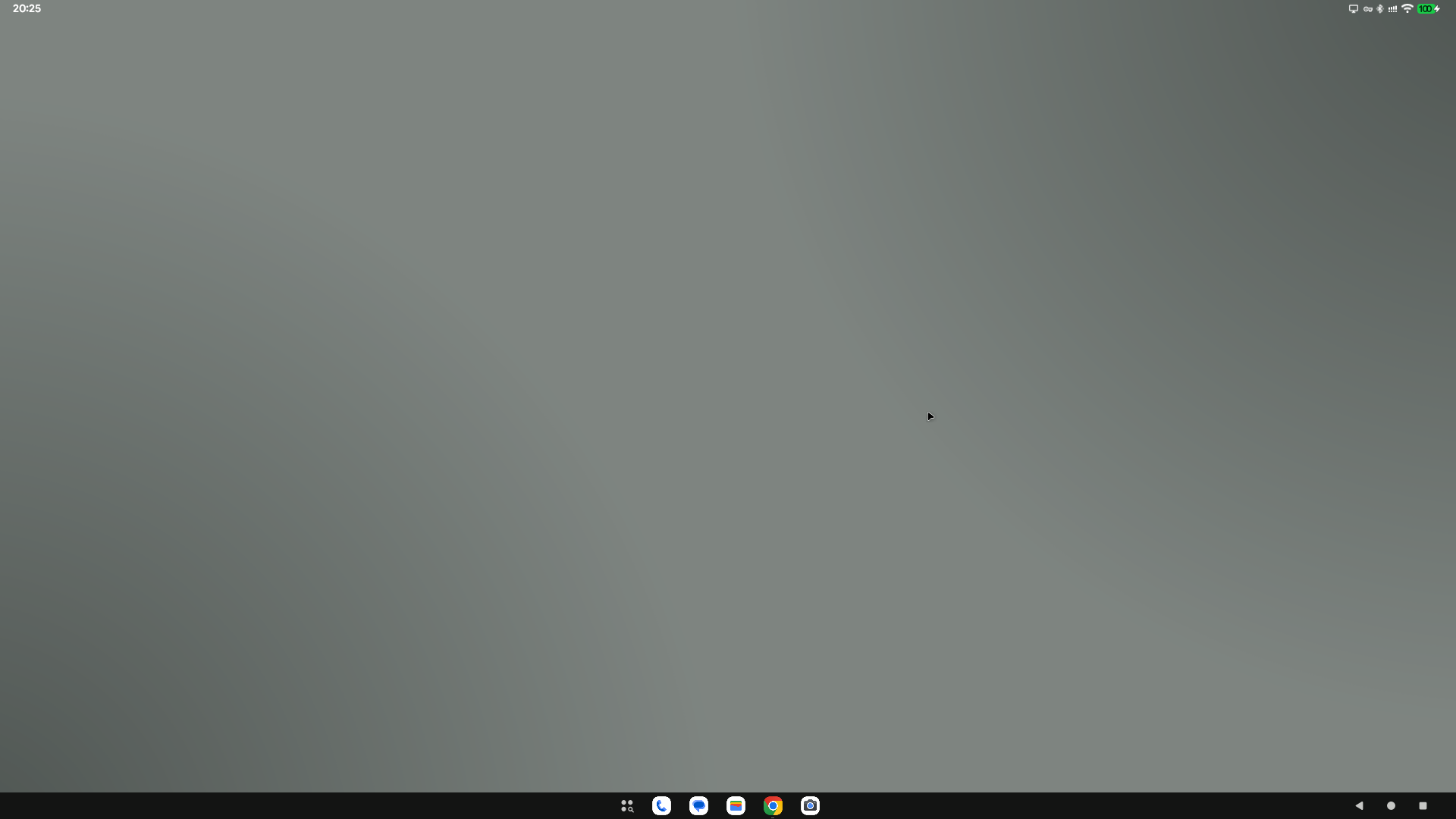
The less good: there's no wallpaper. Boo. I'm missing my maned wolf photo already. The desktop background is just... a colour. No desktop icons either. The taskbar allows one pinned extra icon, and the first five slots mirror whatever's on your phone launcher, which is its own separate thing and this probably shouldn't work like that. These are two distinct contexts, and making them the same on both screens is... a decision. It would be more useful if the desktop mode first initialised with that, but allowed the user to change the taskbar completely.
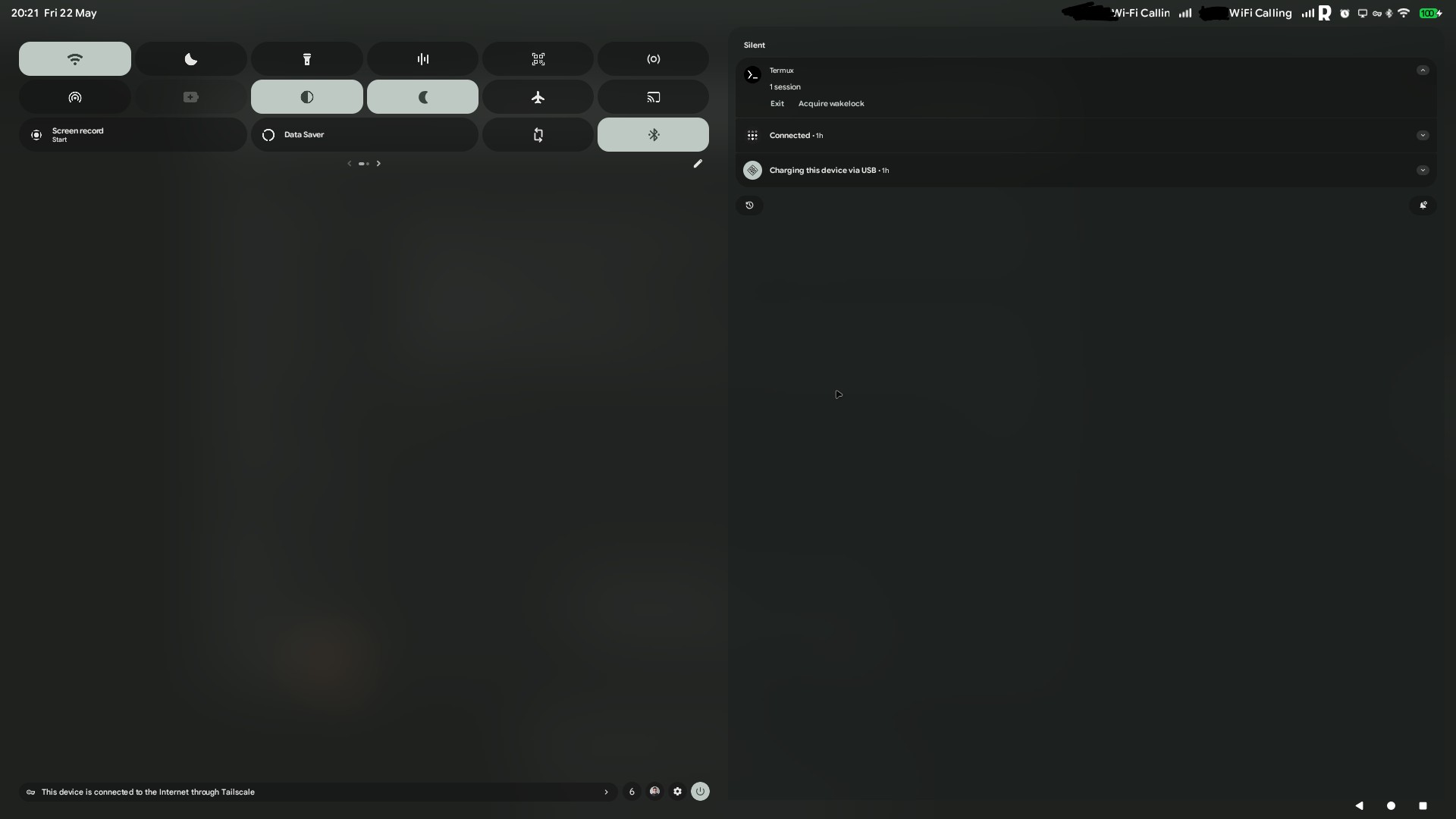
Notifications and quick settings each take up roughly half of the full screen when you open them. On a large monitor this looks like the kind of UX that happens when nobody has actually sat in front of anything bigger than a tablet and used the thing. DPI scaling doesn't appear to be implemented, or if it is, it's not doing much. The system UI in general would benefit from some desktop-specific thinking, like buttons with visible borders or at least a hover effect, which is a reasonable expectation on a desktop environment - I'm using a mouse, not a finger.
Font size is a global setting. Change it on the desktop and you've changed it on the phone too. Which is either a scaling issue or a settings synchronisation problem - either way, a separate 'Desktop Mode' tab in Settings would solve a lot of it.
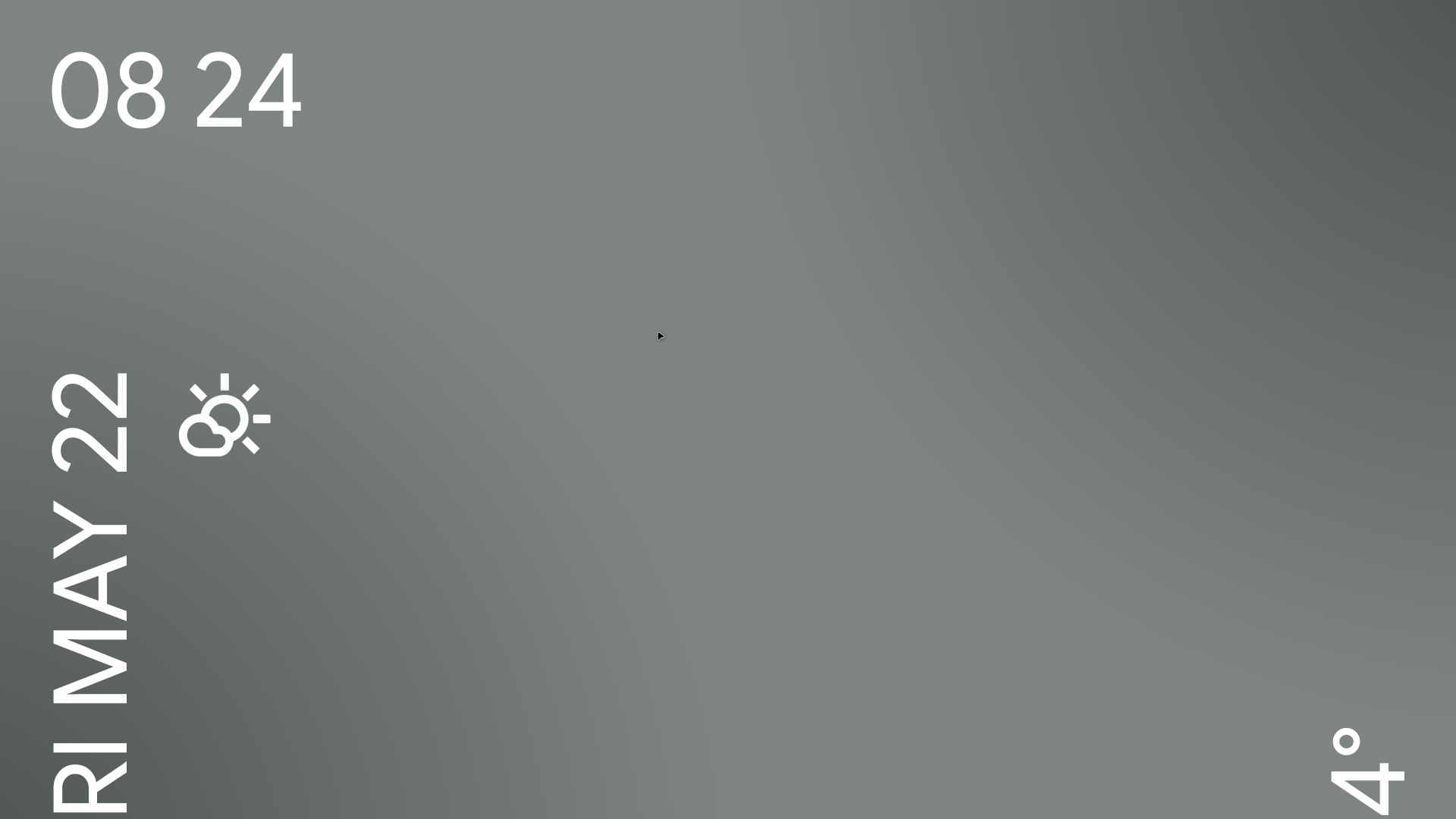
One genuinely odd thing I noticed after stepping away from the desk for a bit: when I came back, the screen needed unlocking, which is what you want, but the unlock prompt appeared on the phone, not the monitor. Which means you're standing at your desk, looking at a locked screen, having to reach for the phone. In a dock setup with face unlock this would probably resolve itself, but as it stands it breaks the illusion pretty effectively. The phone also locks quickly - it makes sense for a phone, but 30 seconds of inactivity is quite normal on a desktop, like when you're thinking what the next sentence is supposed to be.
The colours also seem to shift in certain apps, a sort of flickering between shades, like a heavily compressed image that can't quite commit to a value. On top of that you can see a ghost image of the windows below, which is not a transparency effect, because it would be there constantly, rather than flicker.
Apps: The Good, The Bad, The Discord
Chrome works fine, once you go into settings and tick the option to request desktop sites. Without that, you get the mobile versions of things, which basically looks like a mobile version of the site that's been stretched on a tablet screen. The main thing I miss is extensions. I've been spoiled by years of uBlock Origin and a handful of developer tools, and their absence is felt. Firefox seems to work in the desktop mode but it's not quite there either, so you're choosing between two imperfect options.
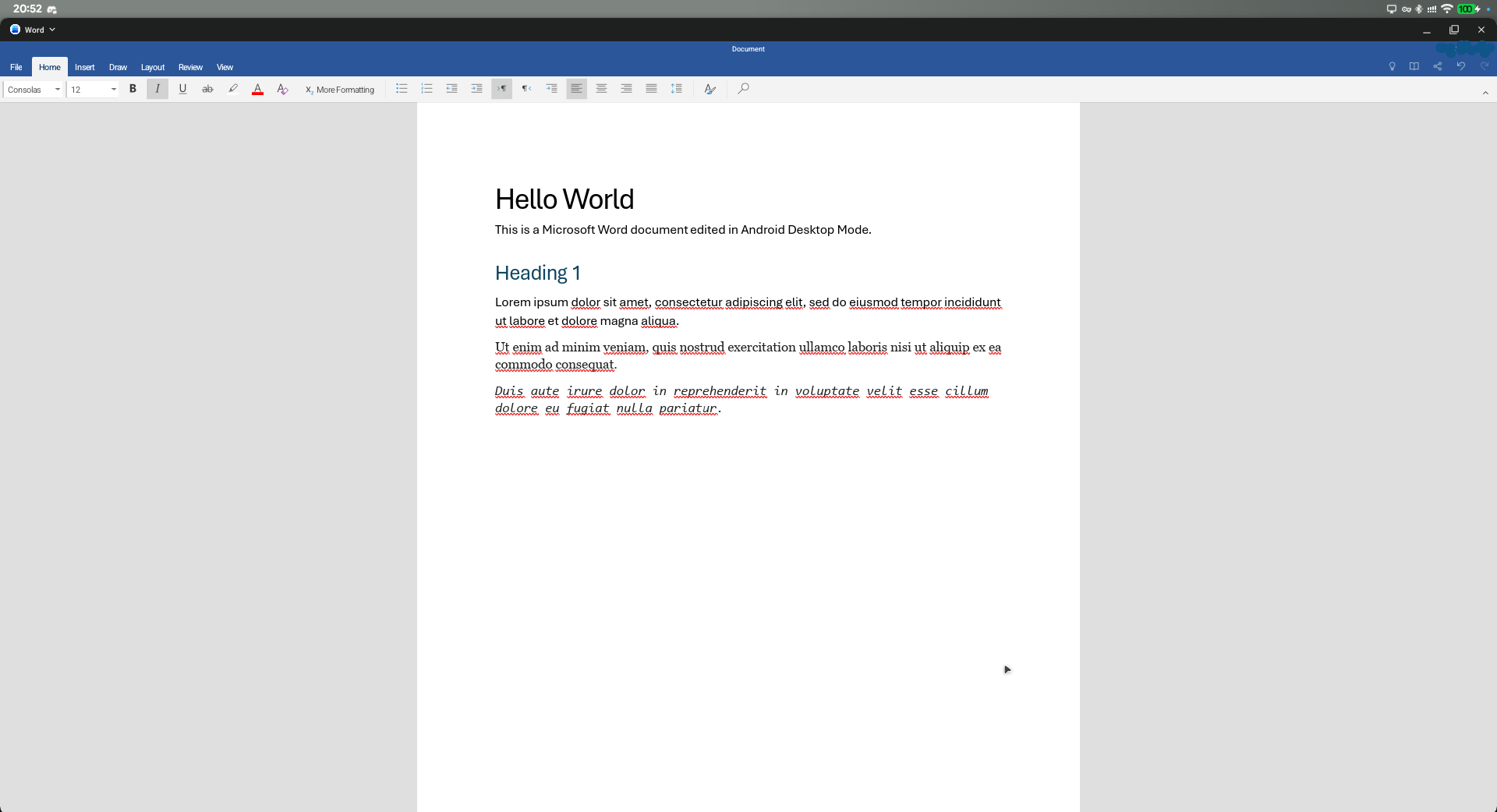
Gmail doesn't feel ready. It functions, but it doesn't feel like it's been designed for this context. Outlook, on the other hand, is surprisingly close to usable - it genuinely looks like it could replace the desktop client, once they fix scrolling with a mouse wheel, which currently requires some patience or a very precise pointing between the content of the email and the border of the window.
Discord on a large monitor looks genuinely ridiculous. The app appears to have been scaled up with no particular thought given to what a desktop Discord experience should look like - some elements are fine, then the emojis take half the screen. It works, but only technically.
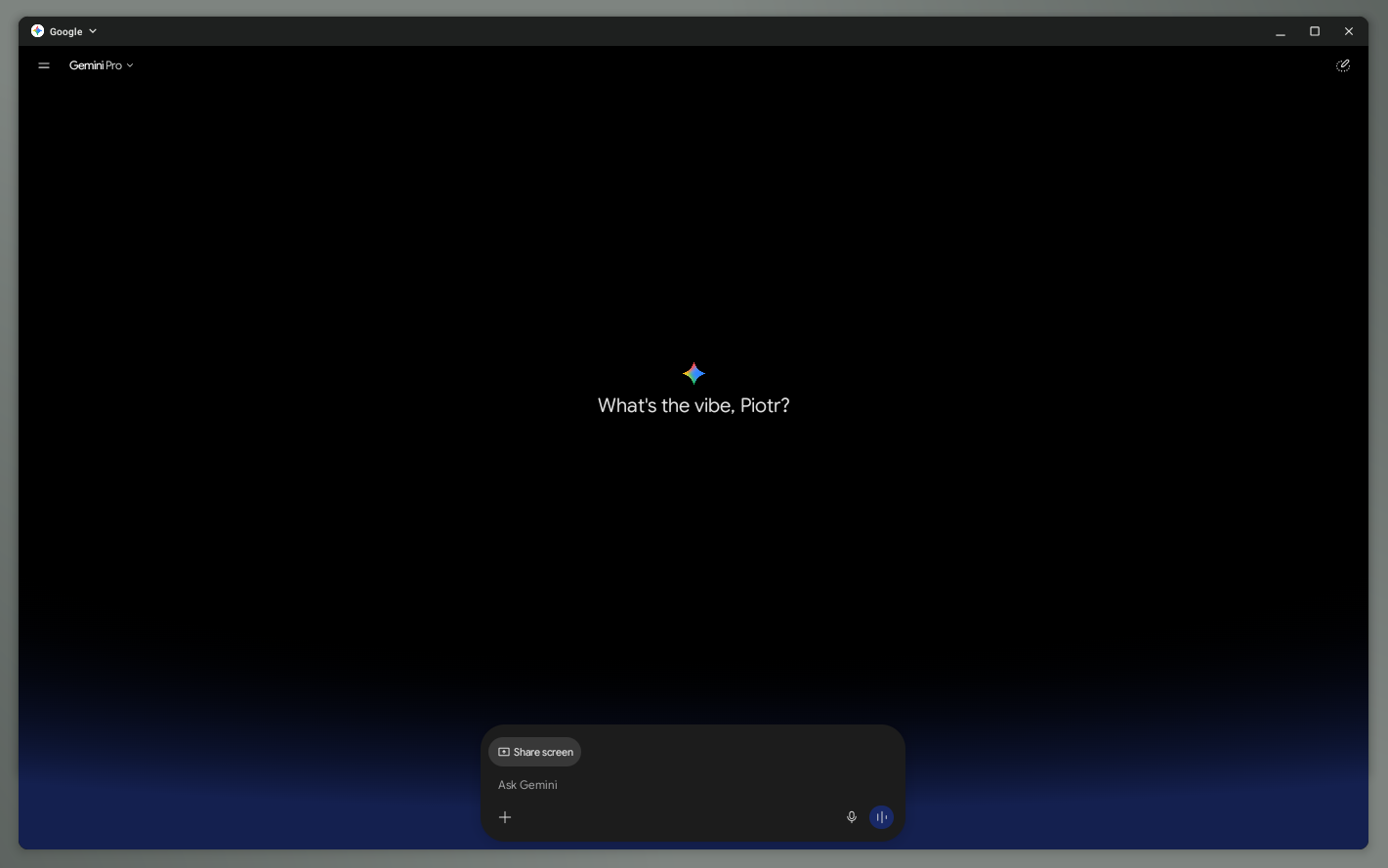
If you're curious how the AI assistants hold up: Gemini behaves quite nicely in desktop mode. Claude works well but could use a small amount of UI polish in places. ChatGPT has a specific issue where the Enter key doesn't send a message - you have to reach for the mouse - which in a desktop context is the kind of friction that adds up fast.
Most apps simply don't have a proper desktop or tablet layout. They open big, they don't remember their window size, and they look like mobile apps on a large canvas. The little back button in the bottom corner helps with apps not designed for non-touch experience. I believe it would genuinely work better if more apps implemented tablet UIs.
The Developer Question
As you may know I'm a software engineer, and I run DragonWeb, so the question I kept coming back to is whether this could support actual development work.
The honest answer: not yet, but you can see how it might in the future.
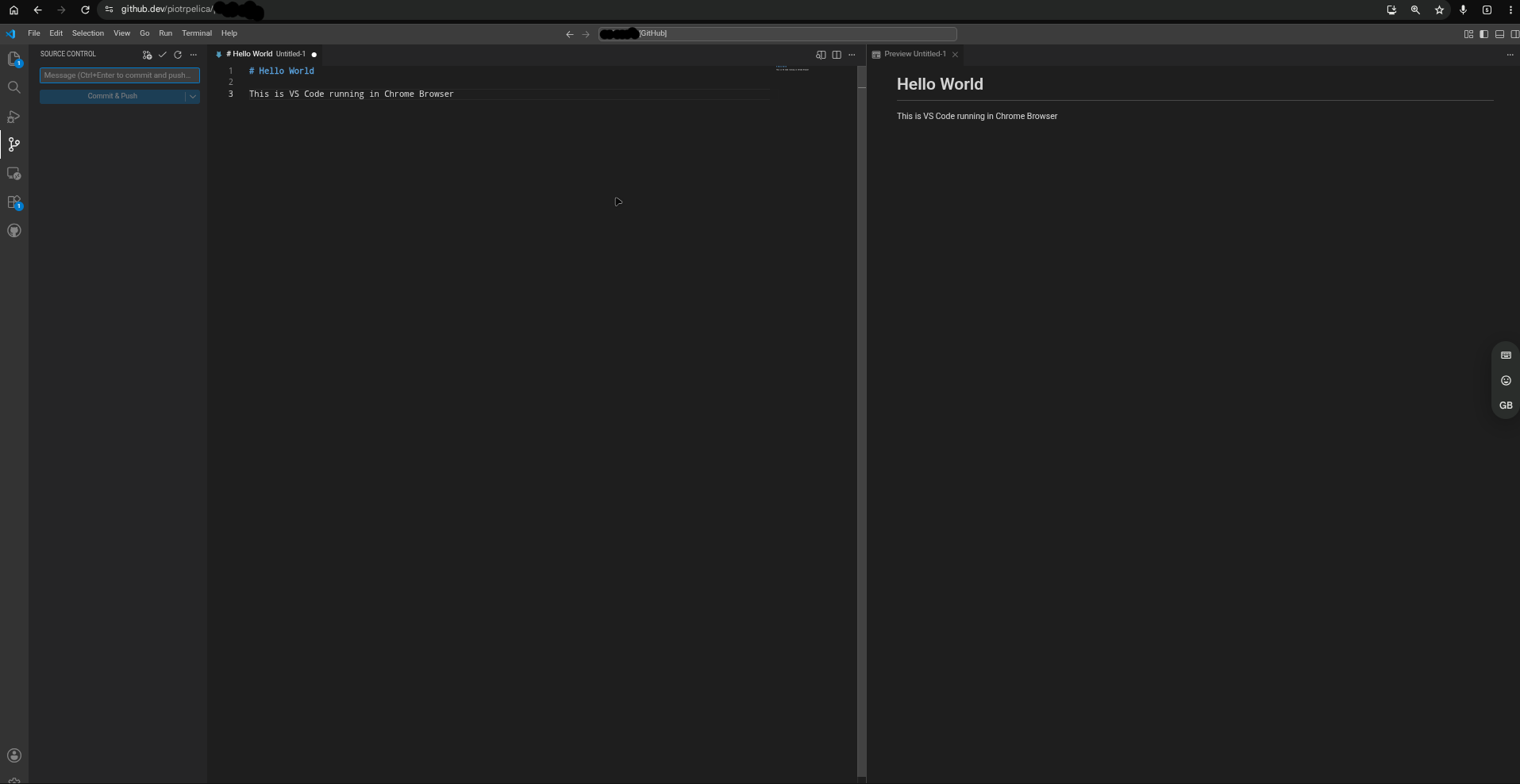
Browser-based tools work reasonably well. If remote VSCode or any browser-based IDE was part of the workflow, you could get somewhere useful. PHPStorm via remote connection is probably wishful thinking for now. The ceiling right now is a combination of the app ecosystem not being built for this context, and Chrome's lack of extension support on Android - which for a developer is a fairly significant gap. At least I can use something like Termux to SSH.
The fundamentals are there. The peripheral support works. The multitasking is functional. But the tooling I'd actually want isn't quite ready for it yet.
So, Is It Worth It?
This isn't a laptop replacement. It's not trying to be, exactly, but it's worth saying plainly. A laptop goes with you. This needs you to have your setup already there.
What it is, or what it could be, is a genuine "dock and work" setup for lighter tasks. Writing, browsing, communications, some light development with the right browser-based tools. If you already have a desk setup at home or at a second location, and you'd rather carry a phone than a second device, there's a real argument here. It's just not fully made yet.
The foundation is solid. The co-development with Samsung, who have been building DeX for nearly a decade, means this isn't starting from scratch, and it shows. Android 16's desktop mode is meaningfully better than the developer-option-buried experiments that preceded it. But the app ecosystem needs to catch up, the system UI needs some desktop-specific love, and a handful of papercut issues need addressing before this is something you'd recommend without caveats.
Give it time. And maybe tell Google that Gemini for Enterprise on the desktop is a pitch that writes itself.
After all, there's a broader case worth making. This is one device, so no separate computer to buy, no either/or choice between a phone and a desktop, especially when the budget doesn't stretch to both. Your data is already there, your apps are already there, nothing needs syncing. I mean - this entire post was written in the Desktop Mode. And for work use specifically, the profile separation Android already has could do a lot of heavy lifting - keep work and personal life cleanly apart on the same device you're docking at a desk.
Seriously though, the amount of times the phone locked while I was writing this is ridiculous!